If you have ever unlocked a storage unit with a code on a keypad instead of a physical key, you have already used one of these systems without necessarily knowing the term for it. So what are digital lockers exactly? At their core, they are storage units that replace mechanical locks with electronic access, whether that means a PIN code, an RFID card, or a mobile app credential.
This shift away from physical keys is happening across gyms, offices, schools, and public facilities, largely because digital access solves practical problems that traditional locks never could. No more lost keys, no more rekeying an entire bank of lockers after a single lock breaks, and a much clearer picture of who is actually using each unit.
The digital locker meaning boils down to one core idea: access is verified electronically rather than mechanically. Instead of a physical key turning a tumbler lock, a digital system checks a code, a card, or a phone against a stored database before releasing the latch. Everything else about the locker- the size, the material, the door design- stays largely the same.
What changes is what happens behind the scenes. A facility manager can see exactly when a locker was accessed, reset a forgotten code without sending someone out with a master key, and track patterns in usage that would be impossible to gather from a simple mechanical lock. Anyone still wondering exactly what are digital lockers good for should note that many of these advantages apply well beyond office environments.
The most common entry point into digital storage is the humble keypad. Keypad lockers let a user set their own code at the start of a session and clear it automatically when they are done, which makes them a natural fit for gyms, pools, and other places where the same locker gets used by different people throughout the day.
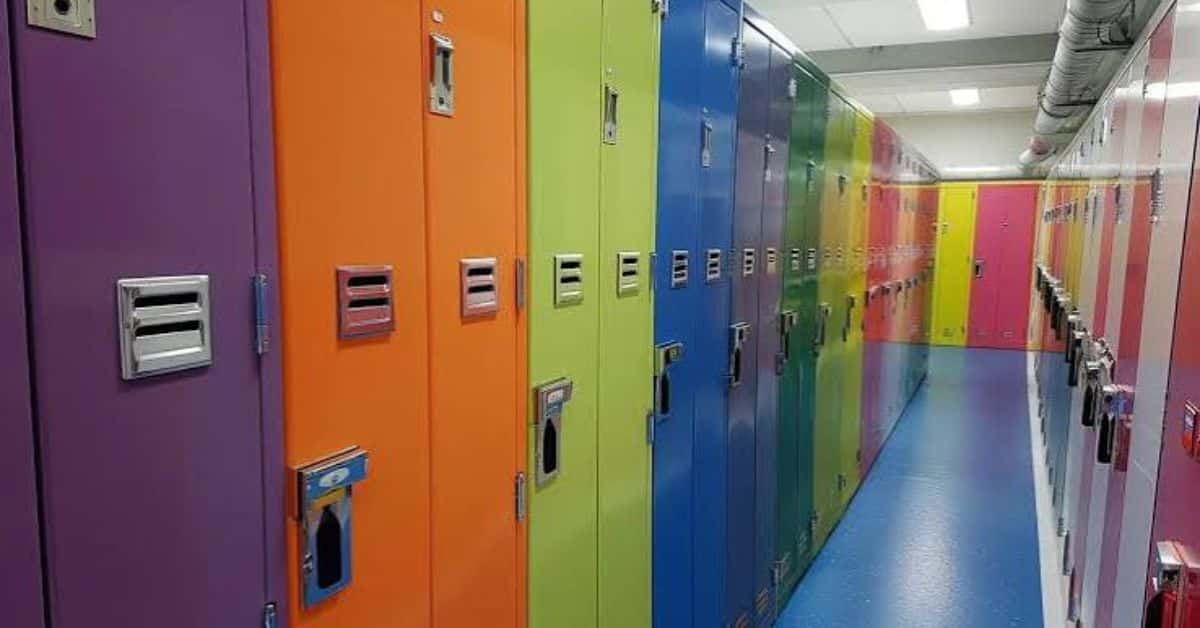
Behind the keypad sits a small electronic control board that manages the actual locking mechanism, usually a solenoid or motorized latch rather than the spring-loaded bolt found in older mechanical locks. This setup allows for quick resets between uses and gives facilities the option to remotely override a locker if someone forgets their code or the system glitches. Compared to a traditional key, this removes one of the biggest recurring headaches facility staff deal with: lost keys and the cost of replacing entire lock cylinders.
Beyond basic keypad access, many digital systems now connect to cloud-based software that lets administrators manage an entire bank of lockers from a single dashboard. This is where cloud-managed lockers really start to show their value, since a facility manager can reset codes, review access logs, and even lock down individual units remotely without ever touching the hardware in person.
This level of remote control matters most for larger facilities managing hundreds of units across multiple locations. A school district, for example, can manage locker access across several buildings from one central system rather than sending maintenance staff to each site individually. Smaller facilities benefit too, though the return on investment tends to scale with how many lockers and locations are actually involved.
Electronic locker systems have found their way into a wide range of settings, and each one uses the technology slightly differently. Gyms rely on quick reset keypad access for day use storage, while offices often tie locker access into the same badge system employees already use to enter the building. Schools increasingly use digital systems to simplify locker assignment at the start of each year, cutting down on the administrative work of handing out physical keys to hundreds of students.
Public facilities like libraries and coworking spaces also lean on contactless storage, since visitors expect the same fast, frictionless access they get from other digital services in daily life. Basic access control fundamentals still apply regardless of setting, meaning facilities should think carefully about who gets access, how codes are reset, and what happens if the system loses power or connectivity.
Not every facility needs a fully connected, app based system. A small business with a handful of employee lockers may find a simple keypad setup more than sufficient, without ever needing the cloud management features built for large-scale deployments. Larger operations, on the other hand, often find that the upfront cost of digital access pays for itself through reduced key replacement costs and fewer support calls over time.
Budget, facility size, and how often lockers change hands should all factor into the decision. A gym cycling through dozens of different users per locker each day benefits enormously from digital access, while a small office with the same five employees using the same five lockers for years might not see much return on a full digital upgrade. Lockers Unlimited helps facilities work through exactly this kind of assessment, matching digital or traditional hardware to actual usage patterns rather than assumptions about what technology sounds impressive.
Understanding what digital lockers are and how they actually function makes it much easier to decide whether an upgrade makes sense for your space. In many cases, the answer comes down less to the technology itself and more to how many people cycle through your lockers and how much staff time you want to save on keys, codes, and daily maintenance.
1. What are digital lockers used for most commonly?
They are used anywhere lockers see frequent turnover, including gyms, schools, coworking spaces, and offices, since electronic access resets faster than rekeying a mechanical lock.
2. Do digital lockers need a power source to work?
Yes, most digital systems rely on battery-powered keypads or a wired connection, so facilities should plan for backup power or manual override options during outages.
3. Can digital lockers be managed remotely?
Many systems offer cloud-based management, allowing administrators to reset codes, review access logs, and lock or unlock individual units without visiting the location in person.
4. Are digital lockers more expensive than traditional ones?
Generally yes upfront, due to hardware and sometimes software costs, though many facilities recover that cost over time through reduced key replacement and maintenance expenses.
5. What happens if a digital locker loses connectivity?
Most quality systems include a local override or backup power option so lockers can still be accessed during a temporary network or power interruption.
3.